Web Admin: The Whole Business, One Screen, From Anywhere
It's 23:40. You have tomorrow morning's marked-up price list in hand; you have five branches, and each branch has two kiosks, one register, one menu board. In the old world, tonight would go like this: a message to five branch managers, five separate updates, a call in the morning saying "one branch still has the old price," and correction traffic lasting until noon. In the KioSelf Web Admin world, the same night goes like this: you log into the panel, update the price list once, set the effective time to 06:00, and go to sleep. In the morning, every device at every branch - kiosks, registers, menu boards, QR menus - shows the same price at the same second. The difference isn't a software feature, it's a management-model difference: the business gaining a single source of truth.
What Is a Kiosk Management Panel?
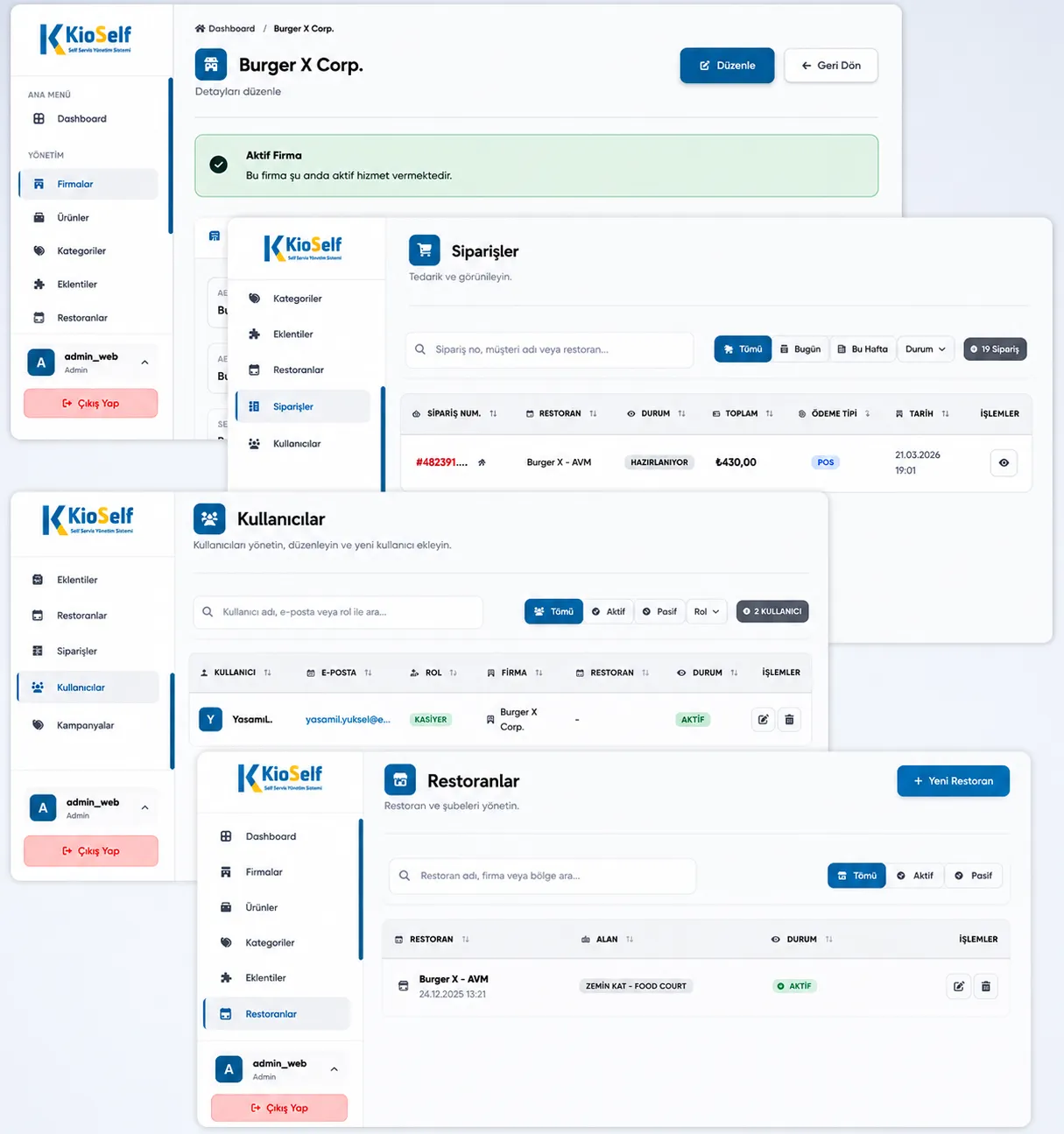
A kiosk management panel is a web-based application that manages self-service devices' content, settings, users, and data from a single center. Menu and price updates, campaign planning, stock synchronization, user authorization, device monitoring, and sales reports are all gathered in a single interface; the need for physical action at the device disappears. The difference between a good management panel and an ordinary "settings screen" is this: a settings screen manages the device, a management panel manages the business.
A Single Source of Truth: Update Once, Valid Everywhere
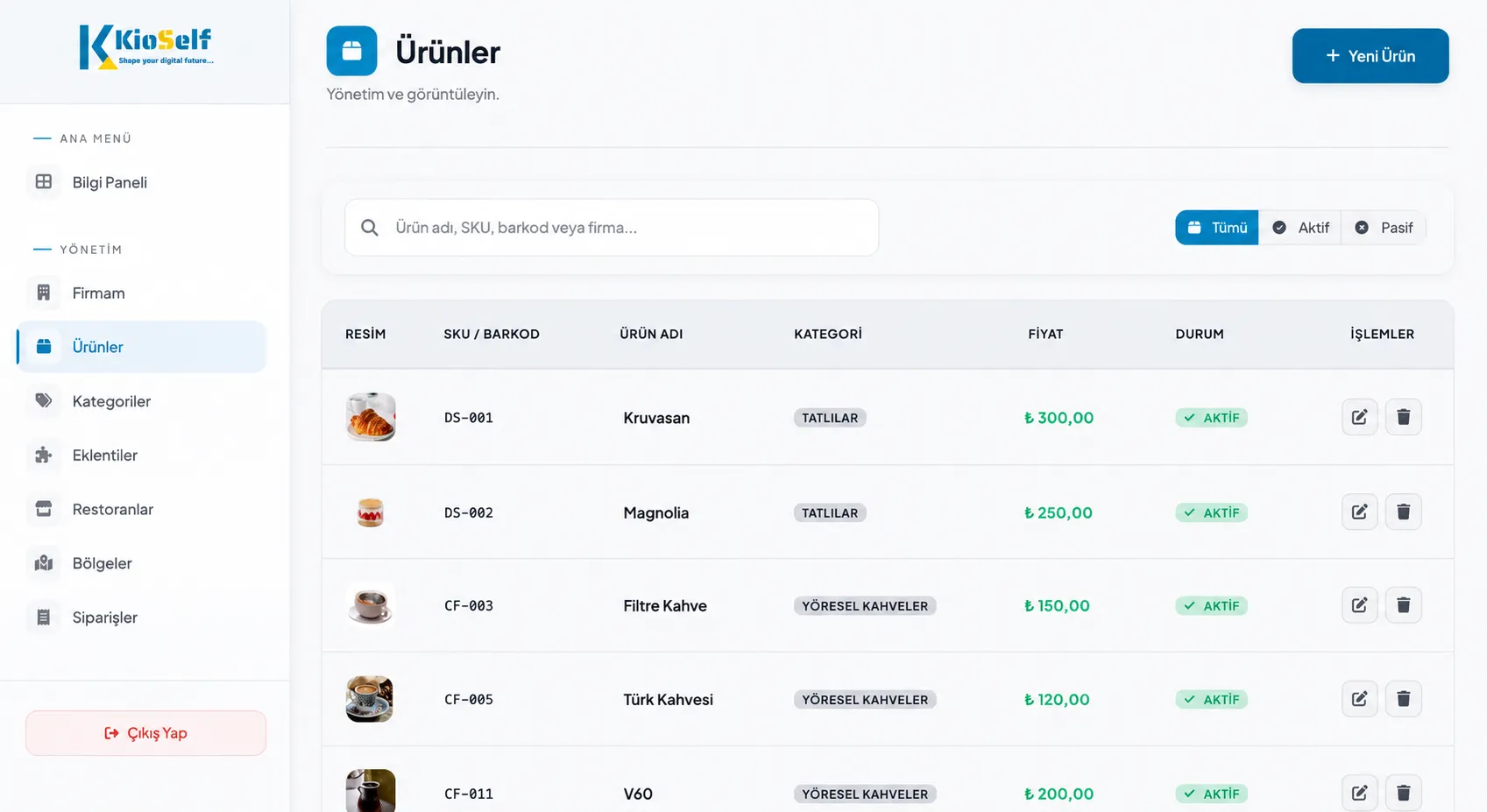
The most insidious cost of a multi-channel business is data inconsistency: one price on the kiosk, another at the register, an old campaign on the QR menu. Every inconsistency is a customer complaint, lost revenue, and - given current price-tag regulations - an administrative penalty risk. Web Admin eliminates this risk at the source: menu, price, and campaign data are kept in one place; the kiosk, register, kitchen screen, menu board, and QR menu all draw from the same source. A change you make in the panel instantly propagates to all connected devices and all branches. The question "which version is on which device?" is never asked in this architecture.
What Is Managed in the Panel?
Menu and Product Management
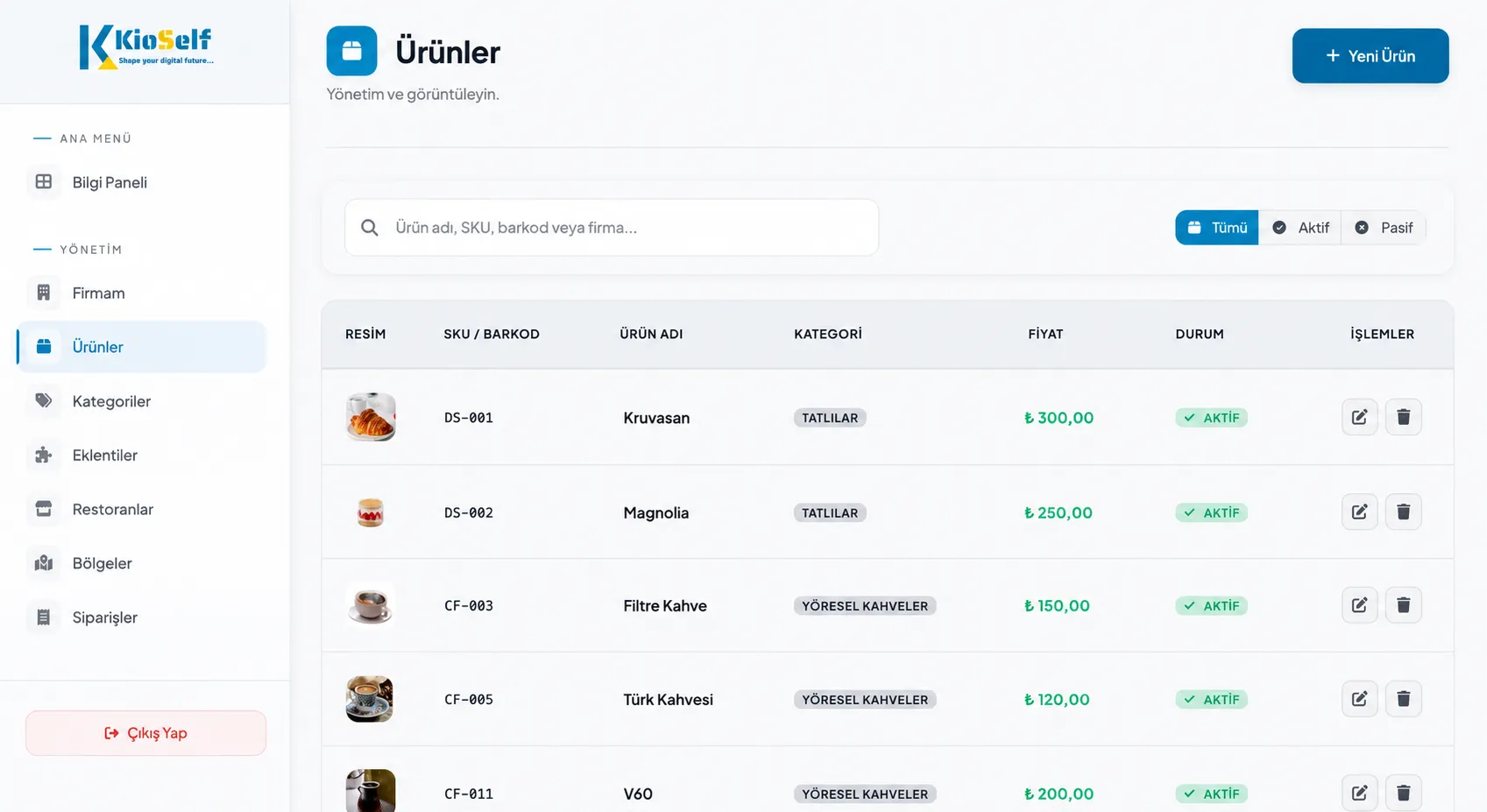
Add products, edit them, sort them into categories, order them; update images, descriptions, and - if you wish - content/allergen information. A new product launch is a matter of one click: a product you create in the panel in the morning is on sale at every kiosk by the lunch rush.
Price Management
Price updates happen from a single point, across all channels and all branches, at the same time. You can schedule a marked-up list for a future date, or apply branch-based price differentiation. The risk of selling at an old price - both lost revenue and regulatory risk - is eliminated at the root.
Campaign and Upsell Design
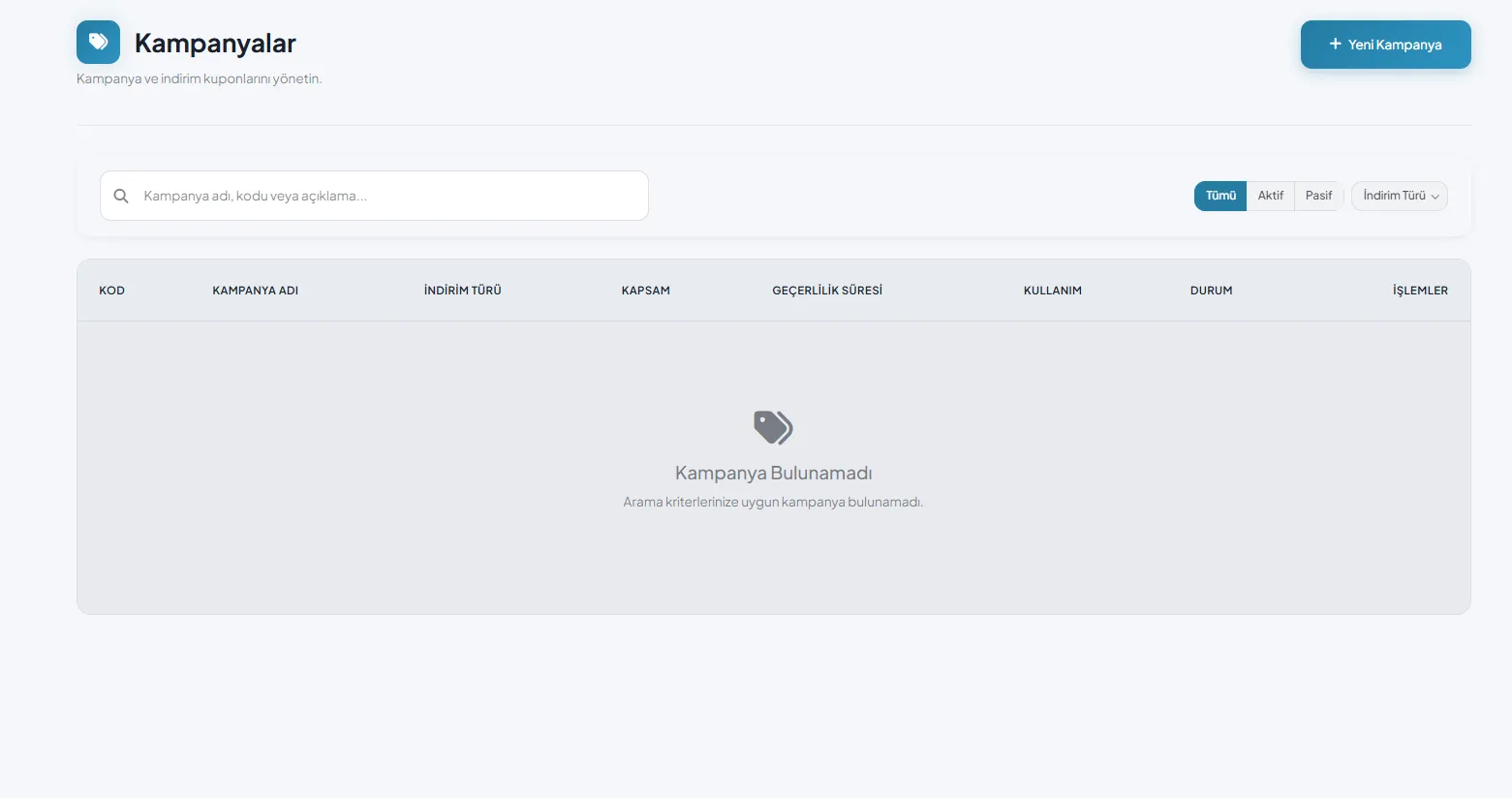
You set up discounts, menu deals, and upsell pairings from the panel: which suggestion appears next to which product, what time the deal of the day starts, when the campaign ends. A calendar-linked campaign starts on its own at midnight and stops on its own when it expires - no one needs to remember. The 15-30% basket-value difference in kiosk orders is engineered on this screen.
Live Stock Tracking
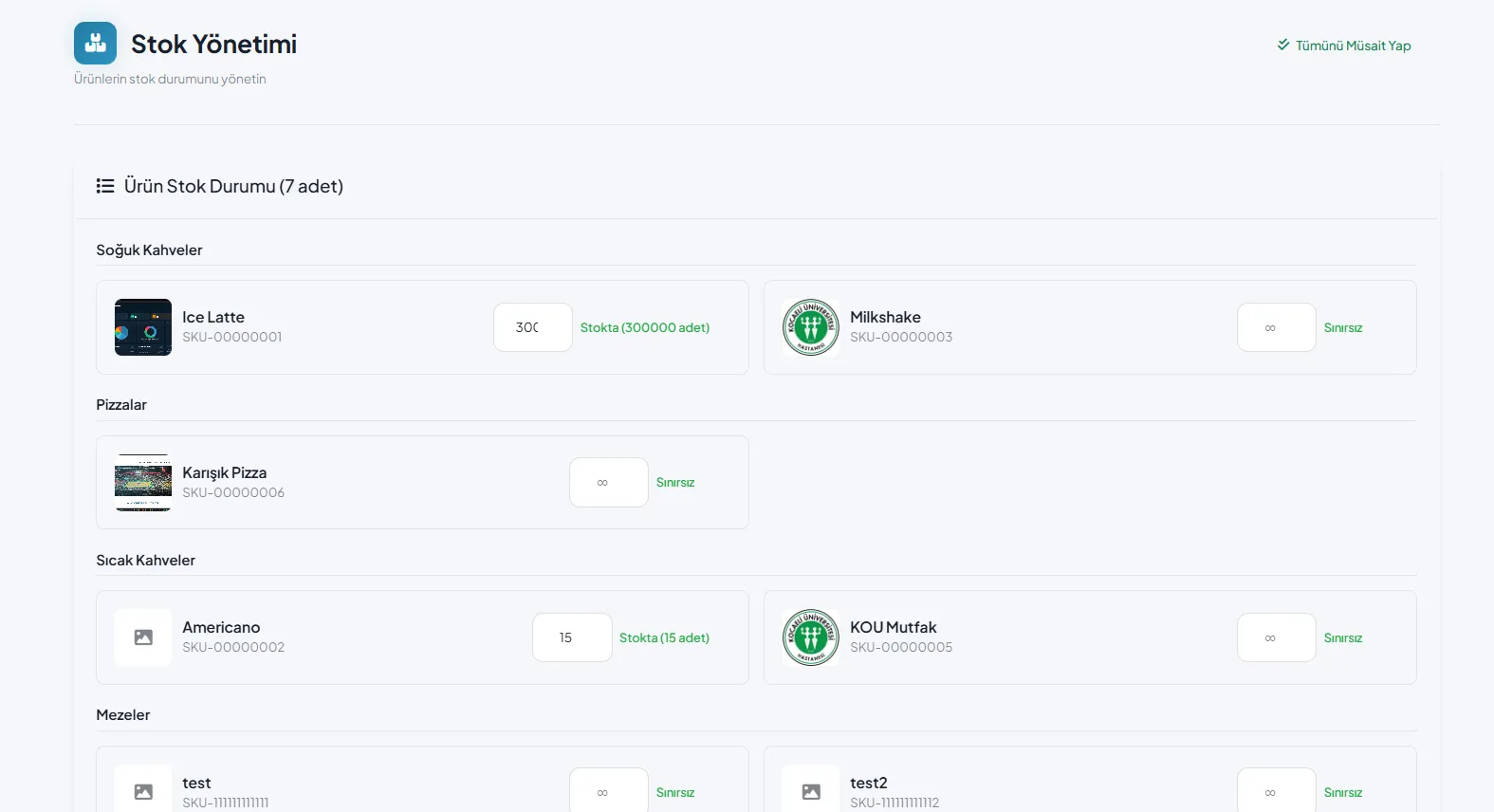
Stock data works synchronized with the menu: an out-of-stock product is automatically pulled from all channels, and automatically returns once stock is entered. The phrase "sorry, that's finished" never reaches the customer; selling a nonexistent product stops being possible.
Branch Management
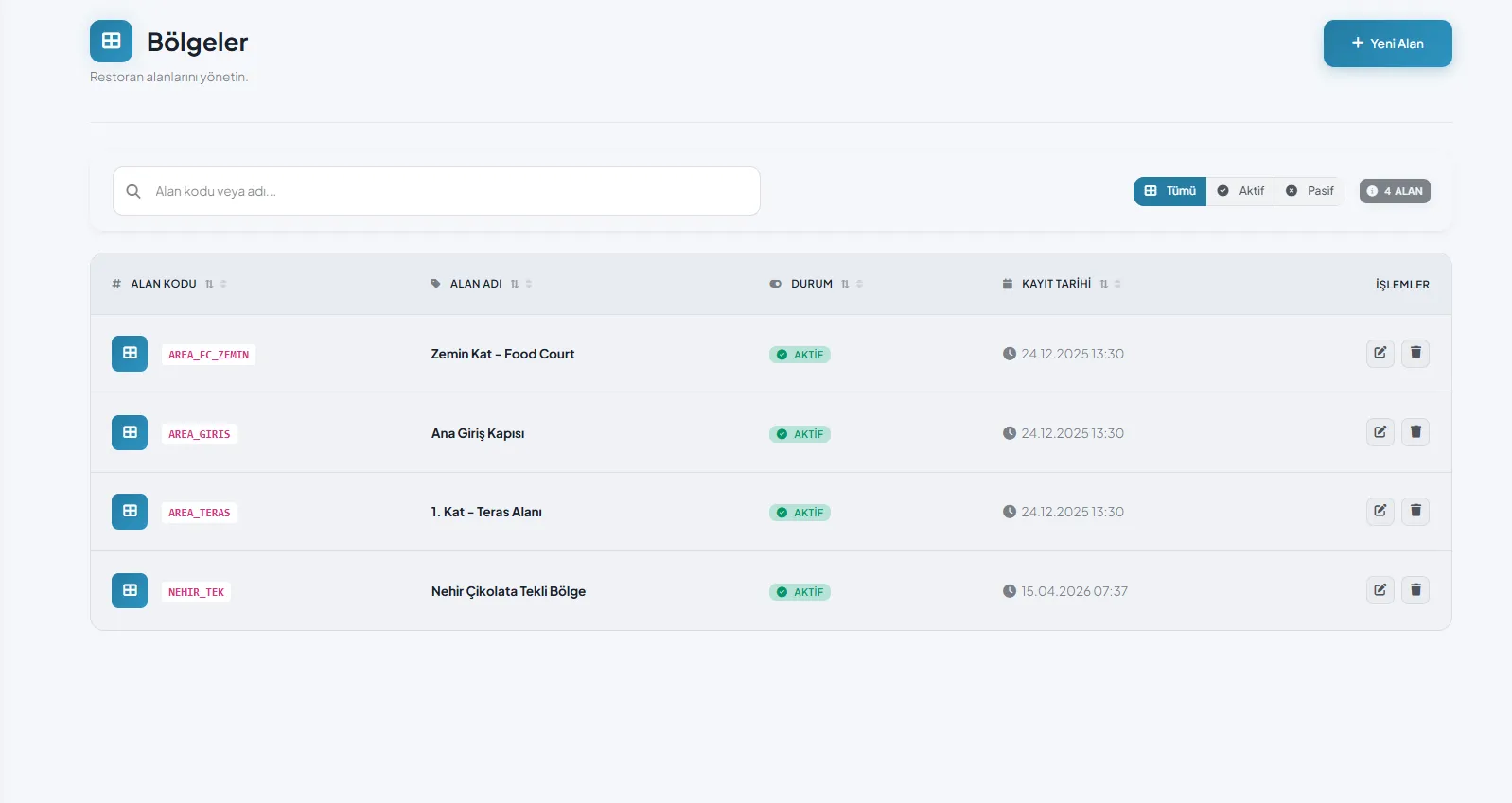
Every branch can use the shared menu or carry its own dedicated menu and prices. Regional products, local price differences, and branch-specific campaigns are defined centrally; the branch manager only sees their own branch and changes only what they're authorized to. In multi-restaurant and multi-kitchen setups, the restaurant → kitchen → station hierarchy is defined in the panel; every order item is automatically routed to the correct kitchen.
User and Permission Management
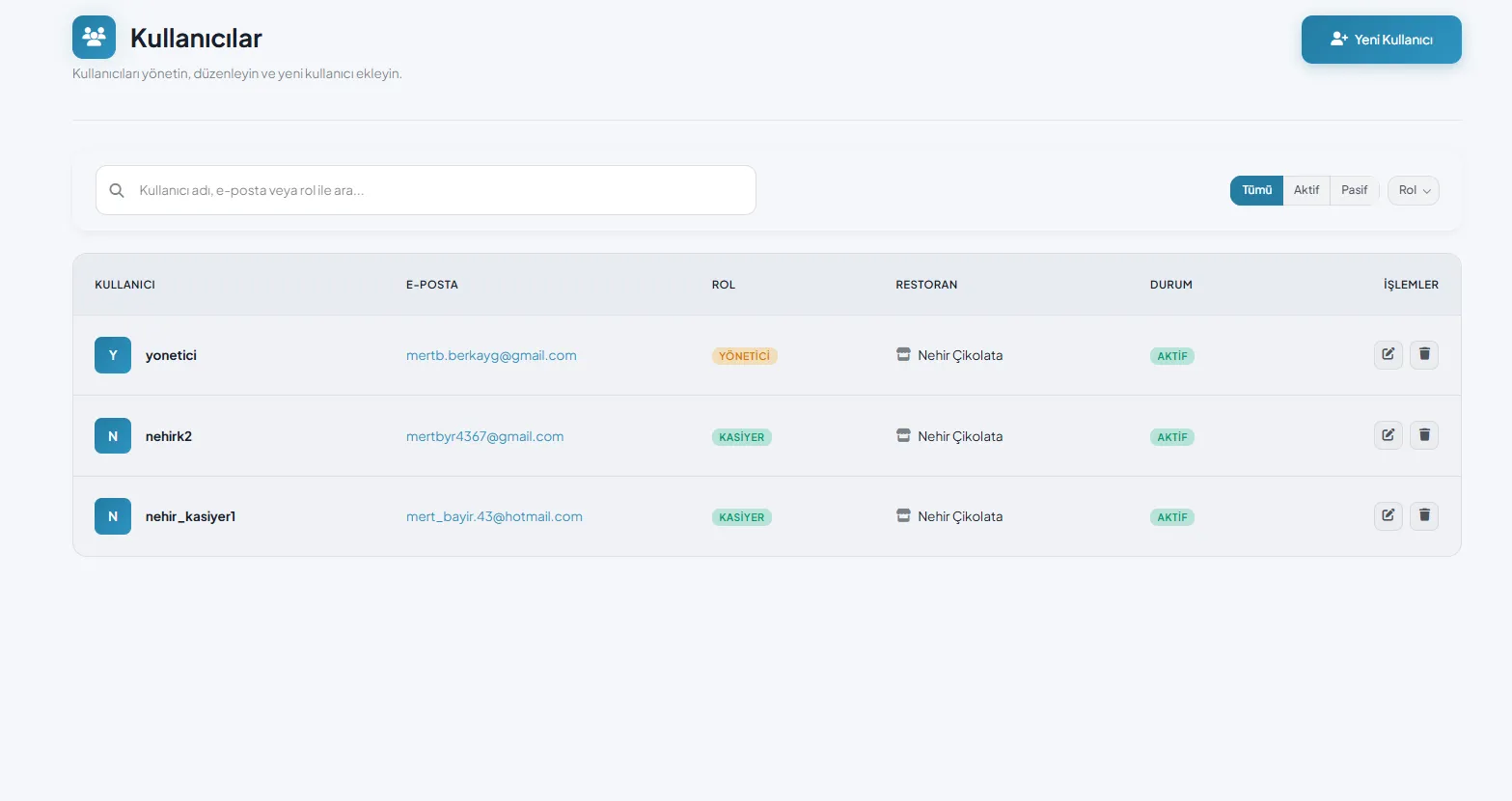
With role-based authorization, you decide who sees what and who changes what. Accounting sees reports but can't touch the menu; the branch manager updates their own stock but can't change prices; cancellation and refund authority belongs only to the people you designate. Critical actions are logged: the answer to "who changed this price, and when?" is always in the panel.
Device Monitoring and Remote Management
The panel manages not only content but the device fleet: which kiosk is online, which one is low on paper, when each device was last updated - you see it all on a single screen. Software updates are distributed centrally from the cloud; sending a technician per device and carrying USB drives branch to branch belongs to the past. Problems become visible before they grow: a kiosk running low on paper is noticed the evening before, not during the morning rush.
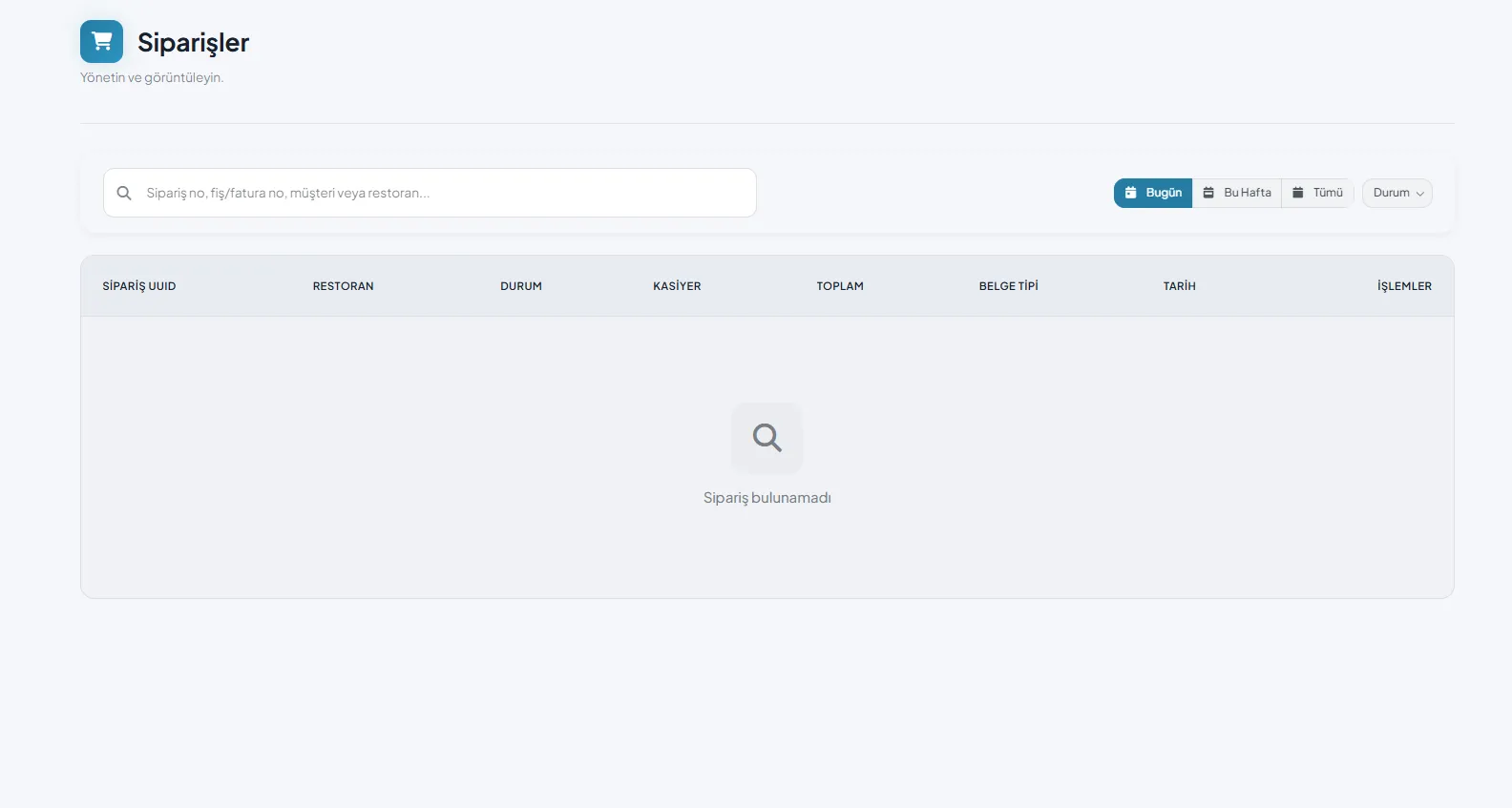
Reporting: Don't Wait for End of Day, See It Live
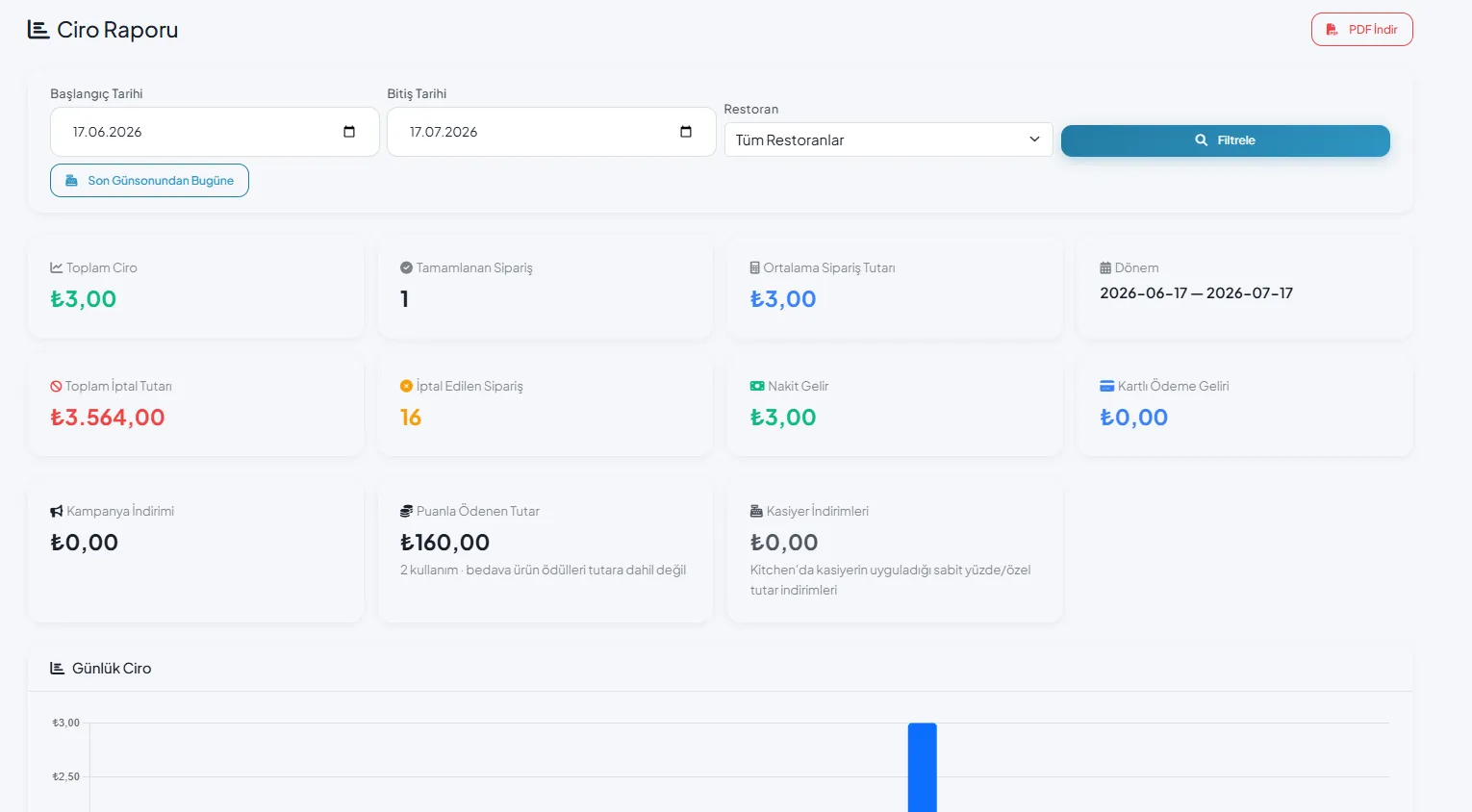
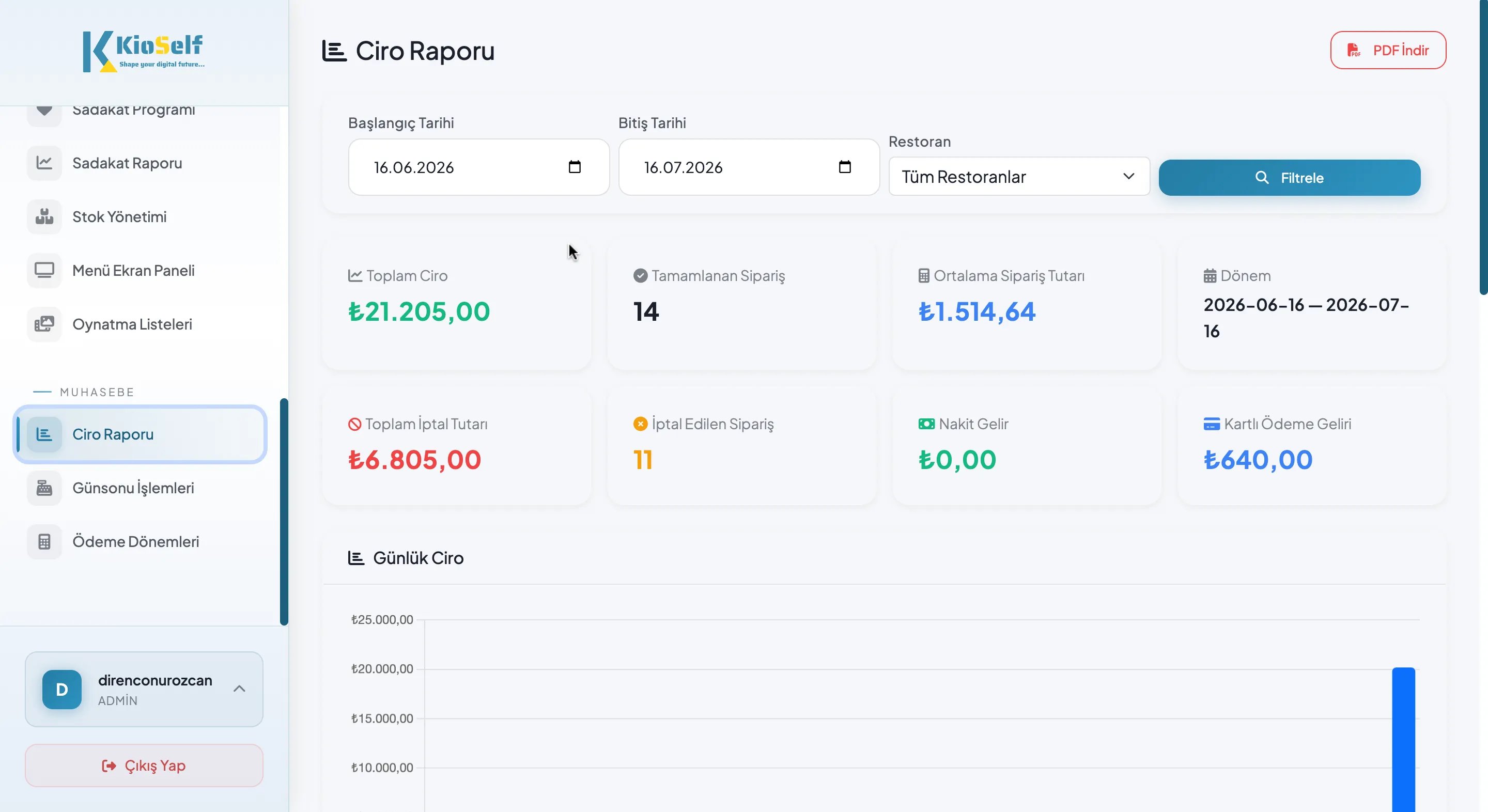
Every transaction is logged with its channel, time, branch, product, and amount; the panel turns this data into instant reports:
Product Performance
Which product is selling, which one is just taking up menu space? Menu engineering is done with data, not guesswork.
Hour and Day Analysis
What time does the rush start, which day is weak? Staff scheduling and campaign timing are built around actual traffic.
Channel Comparison
Which is growing - kiosk, register, or takeout? The comparisons that form the basis of investment decisions are presented in a single panel.
Branch Comparison
Where does each branch stand against target? All branches are compared on one screen, and performance gaps become instantly visible.
Campaign Conversion
Track your campaigns' impact on sales. Analyze the results, measure them, and refine your marketing strategy based on data.
Customizable Reporting
As your reporting needs grow, the management panel grows with you. The metrics you want to track are configured to your needs during the site survey.
Why Cloud-Based?
Access From Anywhere
You can securely access your management panel from any computer, tablet, or phone with an internet connection and an up-to-date browser, managing your business from wherever you are.
No Server or Maintenance Needed
You can always use an up-to-date, secure infrastructure without dealing with extra server investment, manual backups, or version-update processes.
Interruption-Resilient Infrastructure
When the internet connection drops, kiosks continue to operate offline. Once the connection is restored, all data is automatically synced.
Easily Scalable Structure
You can grow from a single branch to a multi-branch structure with the same management panel and infrastructure, easily adding new kiosks and branches to the system.
Security and Data Ownership
Every piece of data that accumulates in the panel - sales, product performance, campaign conversions, customer activity - is your business's asset, and is treated as such.

Encrypted and Secure Access
All connections to the management panel are encrypted over HTTPS. Login attempts are protected by security mechanisms that prevent unauthorized access.
Role-Based Authorization
Each user can only access the modules they're authorized for. User roles and transaction permissions are easily managed, ensuring a secure working environment.
GDPR/KVKK-Compliant Infrastructure
Processes involving personal data are designed in line with data-protection regulation requirements. Customer and user data is processed and protected securely.
Data Control Entirely in Your Hands
You can access your reports and business data whenever you want, manage user permissions, and keep full control over data access.
For Whom, In Which Scenario?
Single-Branch Businesses
Update your menu, prices, and campaigns from anywhere, and easily manage your business through a single panel.
Chain Restaurants
Manage all your branches from one point with centralized price and campaign management, branch-based authorization, and comparative performance reports.
Hospitals and Institutions
Simplify operational processes by tracking kiosk status, content updates, and collection reports through a central management panel.
Mall and Food Court Businesses
Manage multiple brands and kiosk setups through a single panel, and make your operations more efficient with brand-based reporting.
Below you can find answers to the most common questions about the KioSelf Kiosk Management Panel.
It is a web-based application that manages self-service devices' content, settings, users, and data from a single center. Menu, price, campaign, stock, branch, permissions, and reporting are all gathered in a single interface; you don't need to perform physical actions at the device.
Instantly. Changes you save through the panel are delivered to all connected devices in real time. Offline devices are automatically updated once the connection is restored.
You can create as many users as you need. Role-based authorization can be applied to each user, and exactly which data they can access or which actions they can perform can be defined in detail.
Yes. You can plan menu, price, and campaign changes for a date and time you specify, and have them published automatically across all kiosks and digital screens.
Yes. Critical indicators such as online/offline status and paper level can be tracked through the management panel. Software updates can be distributed centrally and remotely.
Devices continue to operate offline and sales transactions are not interrupted. Once the internet connection is restored, all data is automatically synced to the cloud system and reports are completed in full.
Your reporting needs are clarified during the site survey. The management panel is configured according to the metrics your business wants to track and provides reports suited to your needs.
Yes. The management panel is designed to require no technical knowledge. After installation, your team receives usage training, allowing you to use the system efficiently in a short time.
The management panel is entirely web-based. It can be securely accessed from computers, tablets, and smartphones with an up-to-date internet browser. It requires no app installation.
Yes. Critical actions are logged with user information and a timestamp. Changes made to the menu, price, campaigns, and user permissions can be traced retroactively.