QR Menu: The Code on the Table, a Regulatory Must and an Experience Opportunity
Printing menus is one of the quietest expense lines in restaurant management: a print order with every price change, a new print run for every campaign, waste from outdated menus, and worn cards passed from hand to hand at tables. On top of that, there's now a regulatory dimension too: access to an up-to-date price list at the table is no longer a choice, it's an obligation. KioSelf QR Menu solves both problems with one solution: your customer scans the QR code on the table with their phone and, within seconds, reaches your **always up-to-date**, photo-illustrated, categorized digital menu. Printing costs drop to zero, regulatory risk disappears from your agenda.
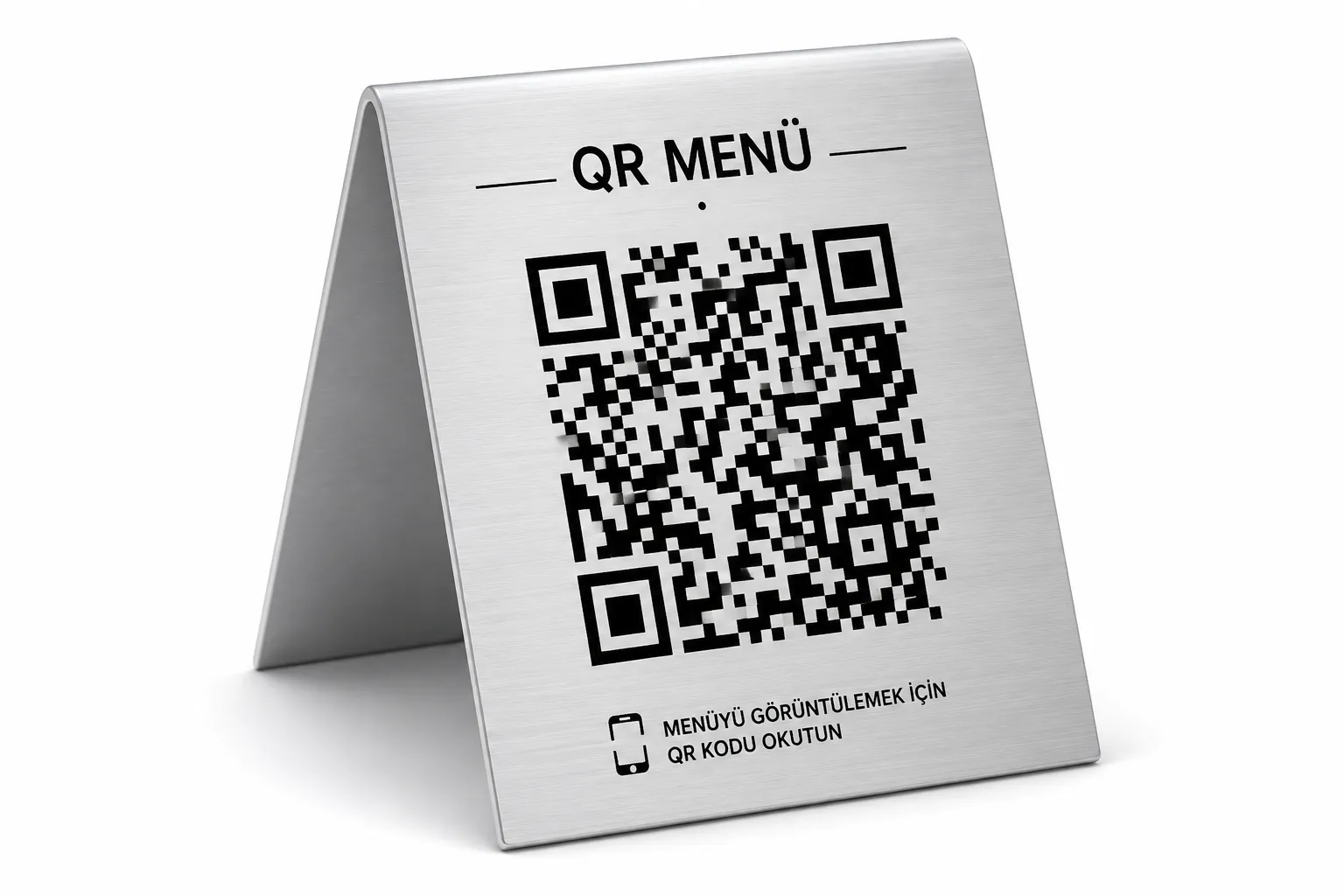
What Is a QR Menu?
A QR menu is a digital menu that opens when the code placed on the table at a restaurant or cafe is scanned with a phone camera. It replaces or complements the printed menu: products are presented with photos, descriptions, and current prices; content is managed from a central panel and changes go live instantly. No app download, membership, or registration is required on the customer's side.
Regulation: A QR-Coded Price List Is Now Mandatory
The Ministry of Trade's price-tag regulations made it mandatory for food-and-beverage businesses to have a QR code at tables providing access to a price list; non-compliance carries an administrative fine risk. The essence of the regulation is clear: a customer sitting at a table must be able to access current prices. You can meet this obligation in two ways: with a static solution that has to be reprinted with every price change and constantly requires monitoring for accuracy - or with a dynamic QR menu whose price is updated centrally and can never go stale. KioSelf QR Menu is the latter: whatever the price is in the panel, that's the price at the table. The risk of an outdated price list is impossible by the system's architecture.
Not a Chore, an Opportunity: What a QR Menu Brings Your Business
Always Up to Date
Price and product changes go live instantly from the web management panel. Instead of collecting menus the morning of a price increase, sticking on labels, or printing a new menu, all updates are reflected across every QR menu with a single click.
Zero Printing Cost
Menu-refresh costs and waste from outdated menus disappear. Campaigns, seasonal products, and daily deals can be published within minutes at no printing expense at all.
A Visual, Categorized Experience
Customers reach a modern menu on their phones, illustrated with photos and organized into categories. Adding product descriptions, ingredient information, and allergen details enables more informed and faster ordering.
Hygienic and Practical
Instead of printed menus, customers scan the QR code with their own phones to reach the menu. This offers an always up-to-date and clean digital experience instead of worn, lost, or hygiene-risk-carrying menus.
Manage Your Menu Strategically
You can highlight discounted products, showcase new arrivals, or easily rearrange your menu based on sales performance. Thanks to the QR Menu, menu management takes minutes instead of weeks.
How It Works
The Customer Scans the QR Code
A customer who scans the QR label, menu stand, or card at the table with their phone camera reaches the digital menu within seconds.
The Menu Opens Instantly
The menu is displayed directly in the phone's internet browser, with no app download, account creation, or registration required.
Manage Your Menu From a Single Panel
Products, prices, images, and campaigns are updated through the web-based management panel. Every change made is instantly published across all QR menus.
Consistency Across Channels: One Price, Everywhere
The invisible risk of standalone QR menu tools is this: you update the menu on one system, the register on another, the kiosk on a third - and one day the QR menu price doesn't match the register price. In a customer complaint, the customer is always in the right; the difference is both lost revenue and regulatory risk. KioSelf QR Menu is a natural member of the ecosystem: the price is updated once in the web management panel; it changes at the same time on the QR menu, the order kiosk, the register, and the digital menu board. A price conflict between channels is structurally impossible.
Who Is It For?
Restaurants and Cafes
By offering an always up-to-date digital menu at tables, it lets customers easily access product and price information. Supports the ordering process with a visual menu experience and lets you instantly publish price changes from a single panel.
Hotels
You can offer room-service and restaurant menus to your guests through a single QR code. Menu content and prices can easily be updated from the web management panel.
Bakeries and Buffets
You can manage frequently changing product ranges and prices with no printing cost. Updates are published instantly across all QR menus, providing operational ease.
Chain Businesses
You can maintain centralized menu management across all branches, while publishing different prices or products for each branch when needed. This lets you keep brand standards while gaining branch-specific flexibility.