Queue Management System: An Invisible Order in the Waiting Area
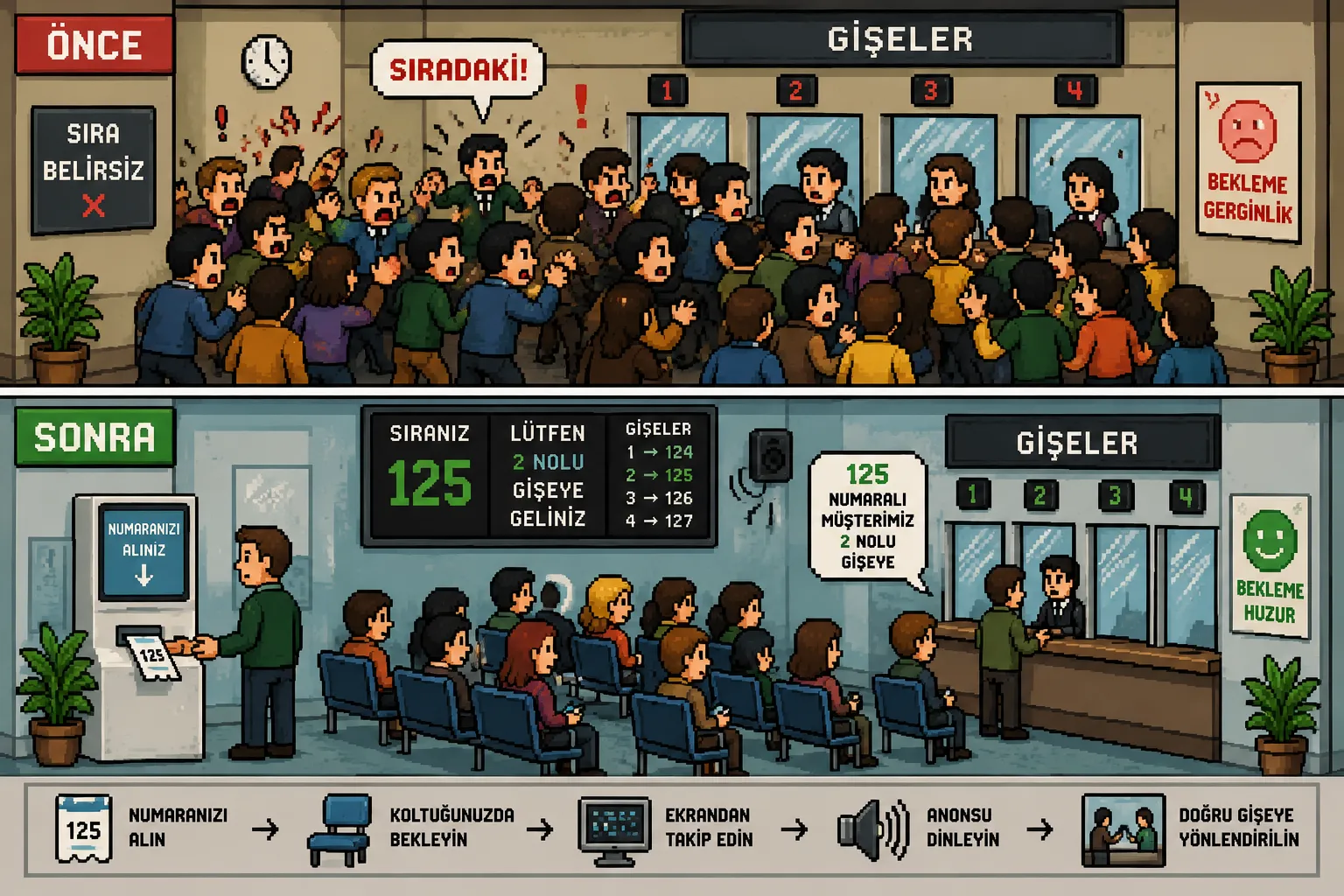
Picture a crowded waiting room: unclear who arrived first, jostling in front of the counter, staff constantly calling out "next!", people waiting are on edge. Now picture the same room with a queue management system: everyone has taken a number and is sitting comfortably; their position is shown on screen, and an announcement directs them to the right counter. Same room, same crowd - a completely different atmosphere. The difference is not the technology; it is the sense of fairness and transparency that the technology provides. A person who knows their place in line is being kept waits calmly. A calm visitor trusts the institution.
What Is a Queue Management System?
Picture a crowded waiting room: unclear who arrived first, jostling in front of the counter, staff constantly calling out "next!", people waiting are on edge. Now picture the same room with a queue management system: everyone has taken a number and is sitting comfortably; their position is shown on screen, and an announcement directs them to the right counter. Same room, same crowd - a completely different atmosphere. It is used everywhere people "wait in line" - from hospital outpatient clinics to bank branches, from tax offices to customer service centers. The difference is not the technology; it is the sense of fairness and transparency that the technology provides. A person who knows their place in line is being kept waits calmly. A calm visitor trusts the institution.
How Does the KioSelf Queue System Work?
Taking a Number
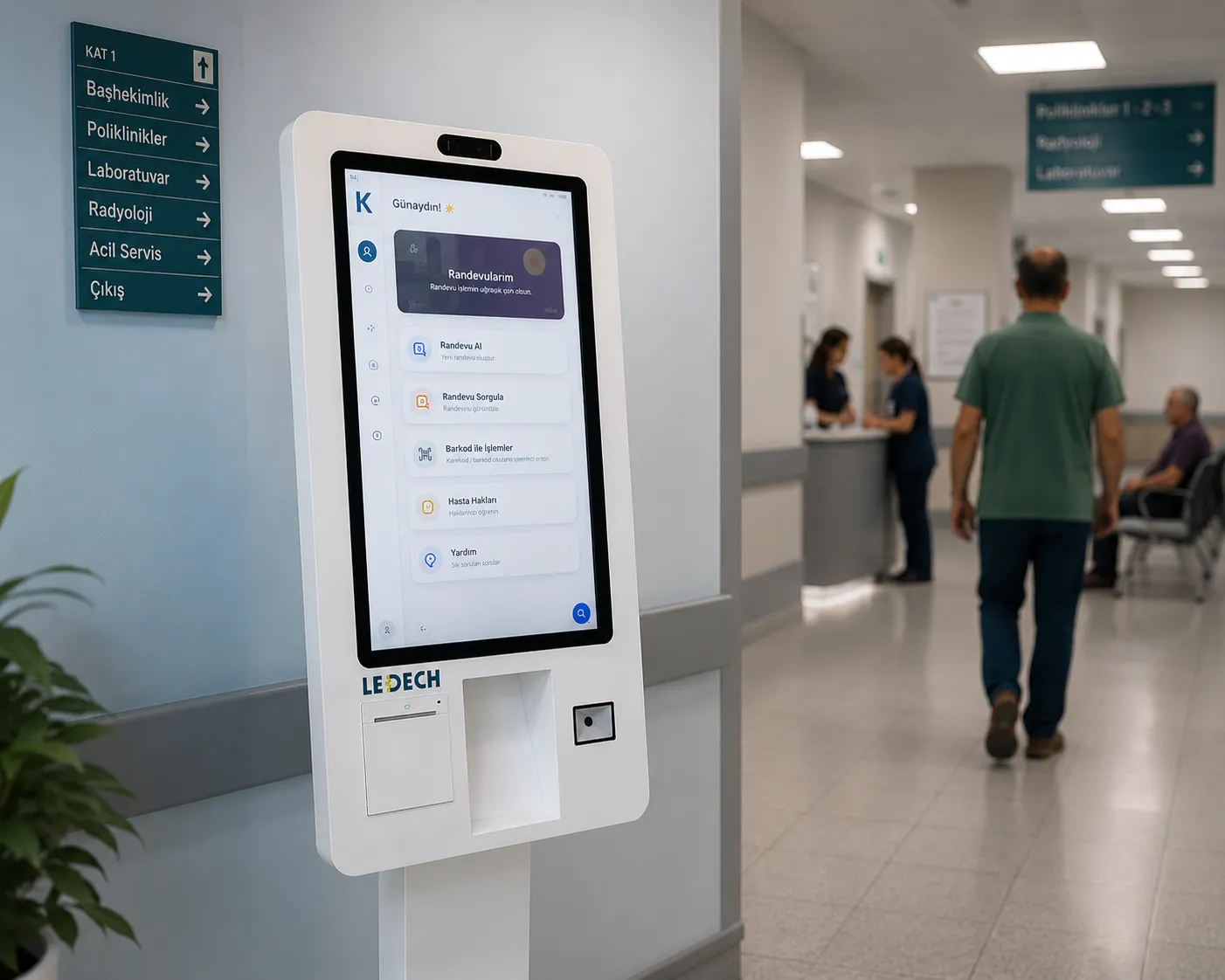
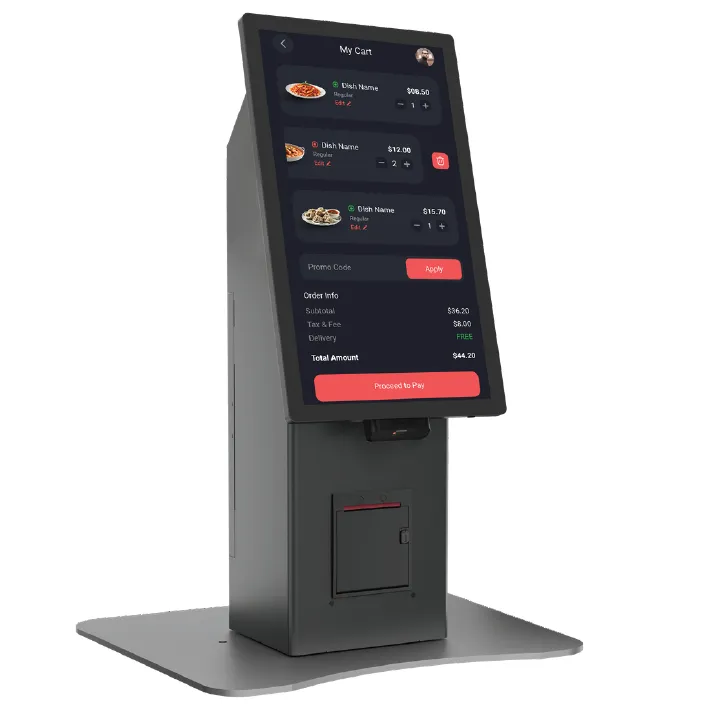
Visitors can select the transaction type on the touchscreen queue kiosk and get their number within seconds. Automatic routing based on transaction type directs every visitor to the correct counter and the correct service queue.
The Waiting Process
Digital calling screens show the waiting numbers and the current transaction status live. Visitors can see how many people are ahead, anticipate wait time, and enjoy a more comfortable waiting experience.
Audio and Visual Calling
When their turn comes, visitors are directed to the relevant counter through voice announcements and digital calling screens, preventing missed calls and keeping the service flow uninterrupted.
Central Management and Reporting
Counter staff can call the next visitor with a single button. Wait times, counter congestion, transaction volume, and performance data can be tracked in real time through the management panel to produce detailed reports.
What It Brings Your Institution
Order and Fairness
Thanks to digital queue management, all visitors are sequenced fairly and transparently. Disputes like "I was here first" disappear, and the service process becomes orderly and reliable.
Staff Productivity
Instead of wasting time managing the queue, counter staff can focus on serving visitors. Thanks to voice prompts and the automatic calling system, transaction processes speed up and operational efficiency increases.
Measurable Service Quality
All data - such as wait time, transaction time, hourly volume, and counter performance - is recorded by the system. Detailed reports let staff scheduling and service quality be optimized based on real data.
A Strong Institutional Image
A modern queue management system offers visitors an orderly, professional service experience. The trust it creates at the first point of contact strengthens the institution's technological and corporate image.
Areas of Use
Hospitals and Healthcare Institutions
Organizes patient flow in outpatient clinics, laboratories, imaging centers, and cashier desks. Working in integration with patient check-in kiosks, it manages queue-taking, routing, and calling processes through a single system.
Banks
Routes in-branch customer traffic based on transaction type. It provides orderly, efficient queue management across different service areas such as retail, commercial, teller, and advisory services.
Public Institutions
Provides orderly queue management for citizen applications, collection transactions, and information services at municipalities, tax offices, population registry offices, and other public service points.
Customer Service Centers
At telecom operator stores, technical service reception points, showrooms, and corporate customer service centers, it directs visitors to the right service point, reducing wait times and increasing customer satisfaction.
Industrial Hardware, an Integrated Ecosystem
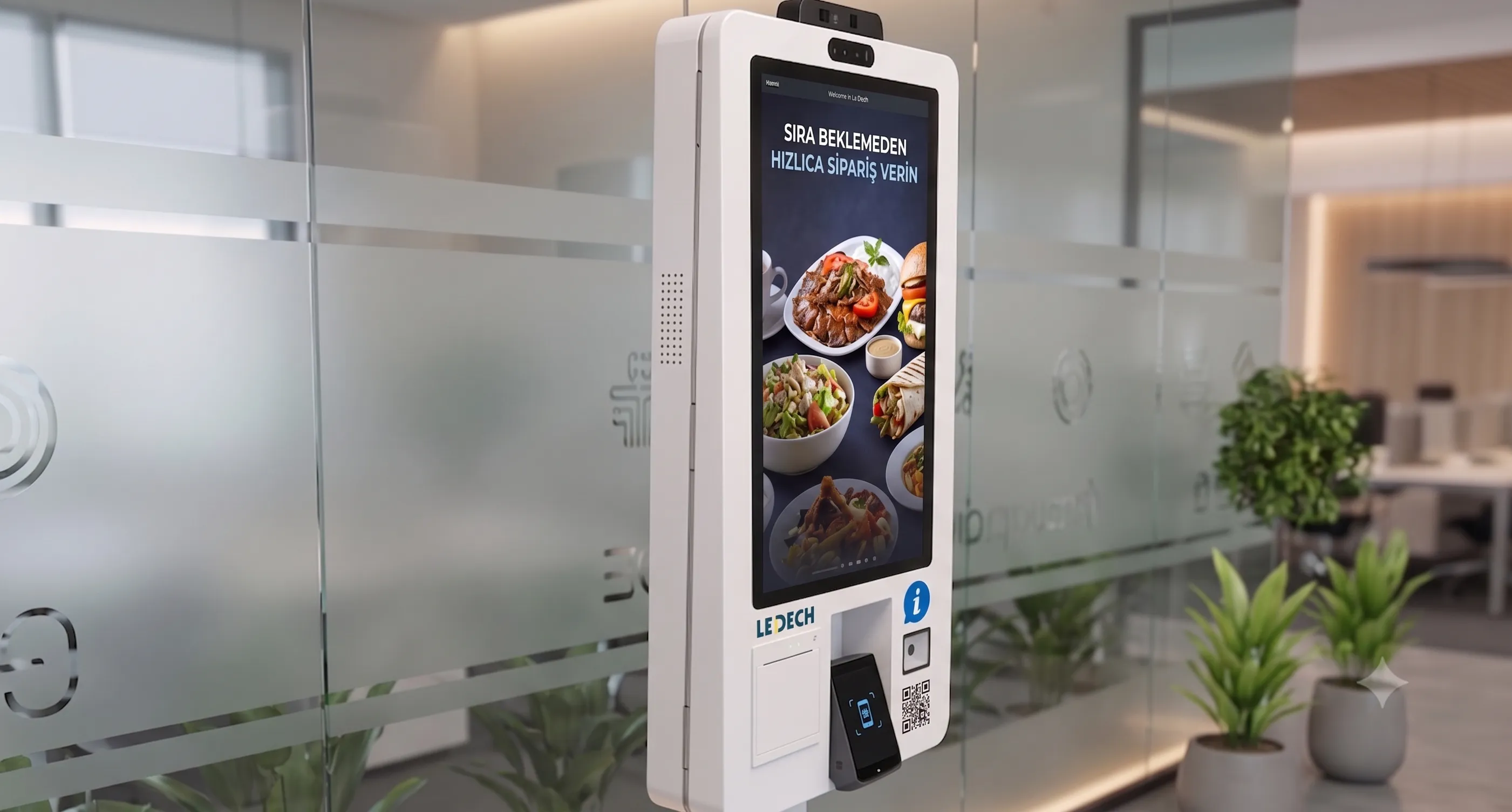
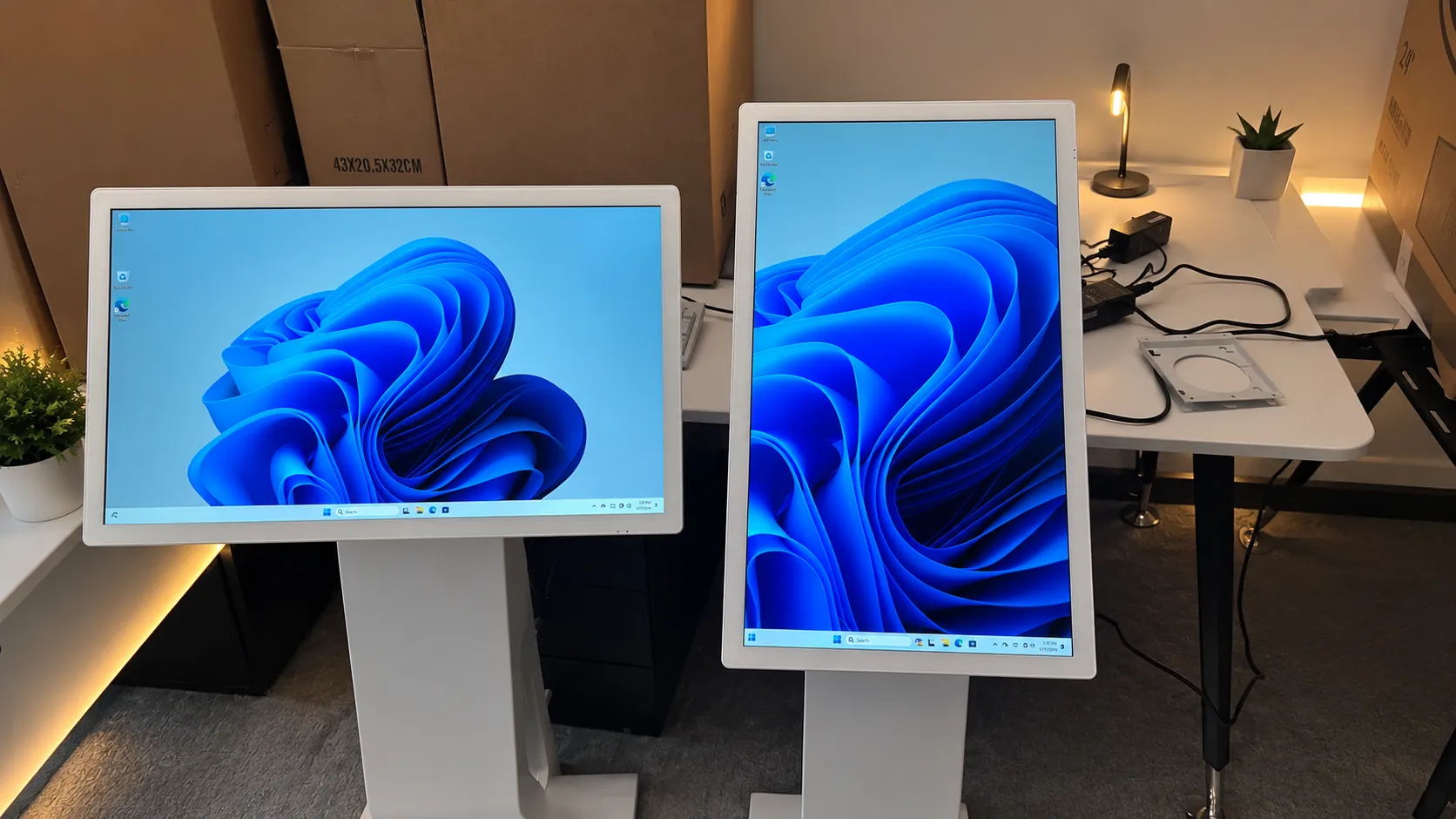
Like every other KioSelf product, queue-management kiosks are built with an industrial architecture suited to 24/7 operation: durable touchscreen, sheet-metal body, integrated receipt printer, smart temperature control. Even more importantly: the queue system is a natural member of the KioSelf ecosystem. It is possible to combine queue-taking with cashier collection in hospitals, and information screens in the waiting room with the calling system, in a single project - a single infrastructure, a single management panel, a single point of contact. Detailed technical specifications are available in the product datasheets on this page.

Below you can find answers to the most common questions about KioSelf Queue Management Systems.
A queue management system is a smart queue management solution where visitors take a number from a touchscreen kiosk and are directed to the relevant counter through digital calling screens and voice announcements. It increases order, fairness, and operational efficiency in waiting areas.
The system is configured in a scalable way based on the number of counters, service points, and transaction types in your institution. Your needs are analyzed during the free site survey and the most suitable structure is designed.
Yes. Visitors select the transaction type at the kiosk and receive their number. Each transaction type is evaluated in its own queue, and the system automatically directs the visitor to the relevant counter or service point.
Yes. Average wait times, transaction times, peak hours, counter performance, and service statistics can be reported in detail through the management panel. This allows staff scheduling and service quality to be optimized based on real data.
Yes. Information-screen integrations are assessed on a project basis. When used together with KioSelf digital information screens, calling screens, wayfinding information, and queue management work in full synchronization, offering visitors an uninterrupted experience.