Kiosk Software: The Sales Rep at Your Customer's Fingertips
Think of your best salesperson: knows the menu by heart, reminds every customer of the promotion, never forgets to suggest an add-on, speaks every language, never gets tired, never asks for time off. KioSelf kiosk software is exactly that - and it works at every kiosk, at every branch, every hour, at the same time. The hardware greets the customer; but it is the software that makes the sale, builds the experience, and grows the basket. On this page, you'll meet the intelligence behind the screen.
What Is Kiosk Software?
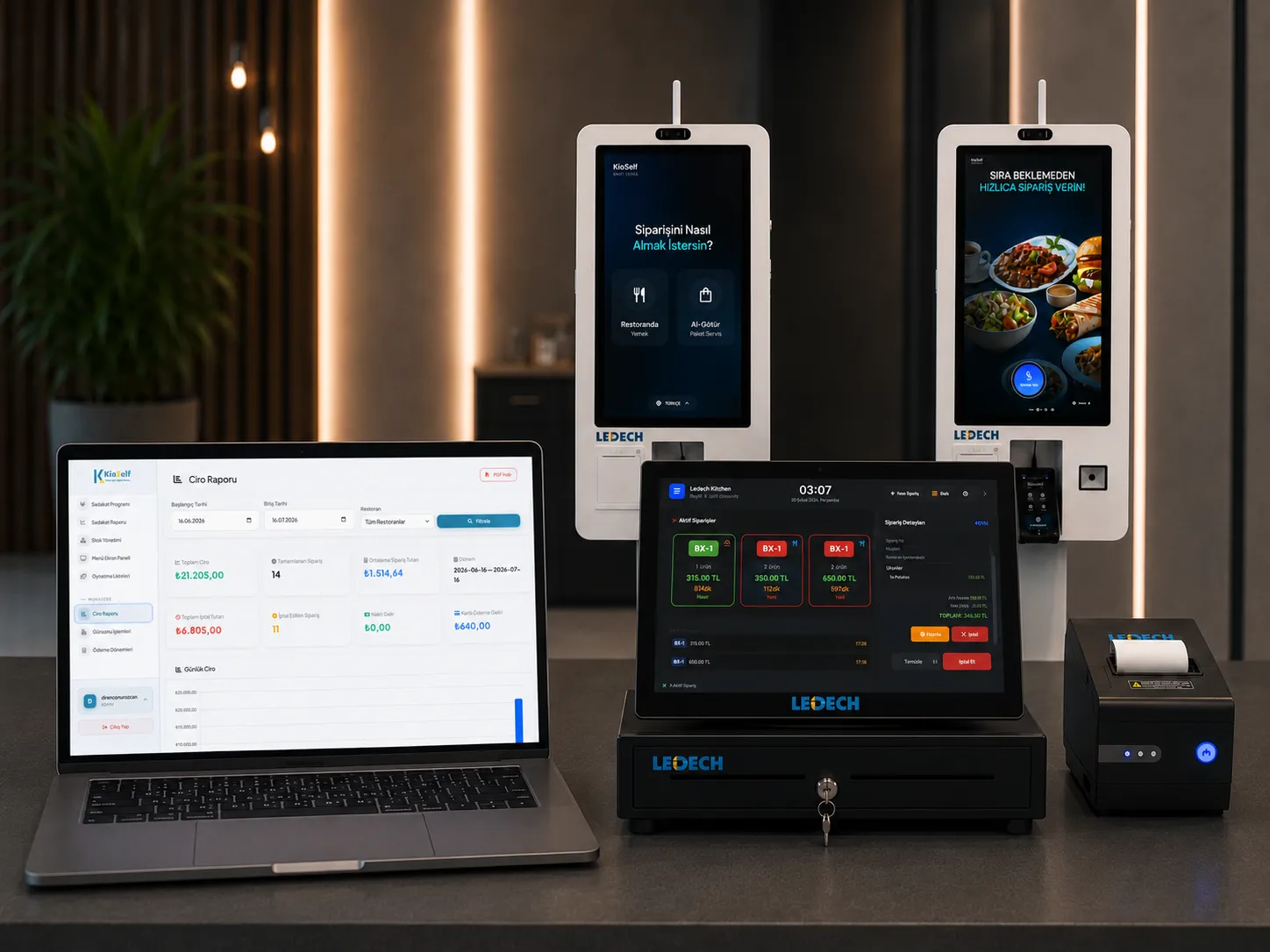
Kiosk software is the application layer that manages menu presentation, order creation, payment routing, and receipt printing on self-service order terminals. Good kiosk software doesn't just take orders: it upsells, talks to stock, runs campaigns, reports data, and speaks your brand's language.
A Flow That Turns the Order Experience Into a Sale
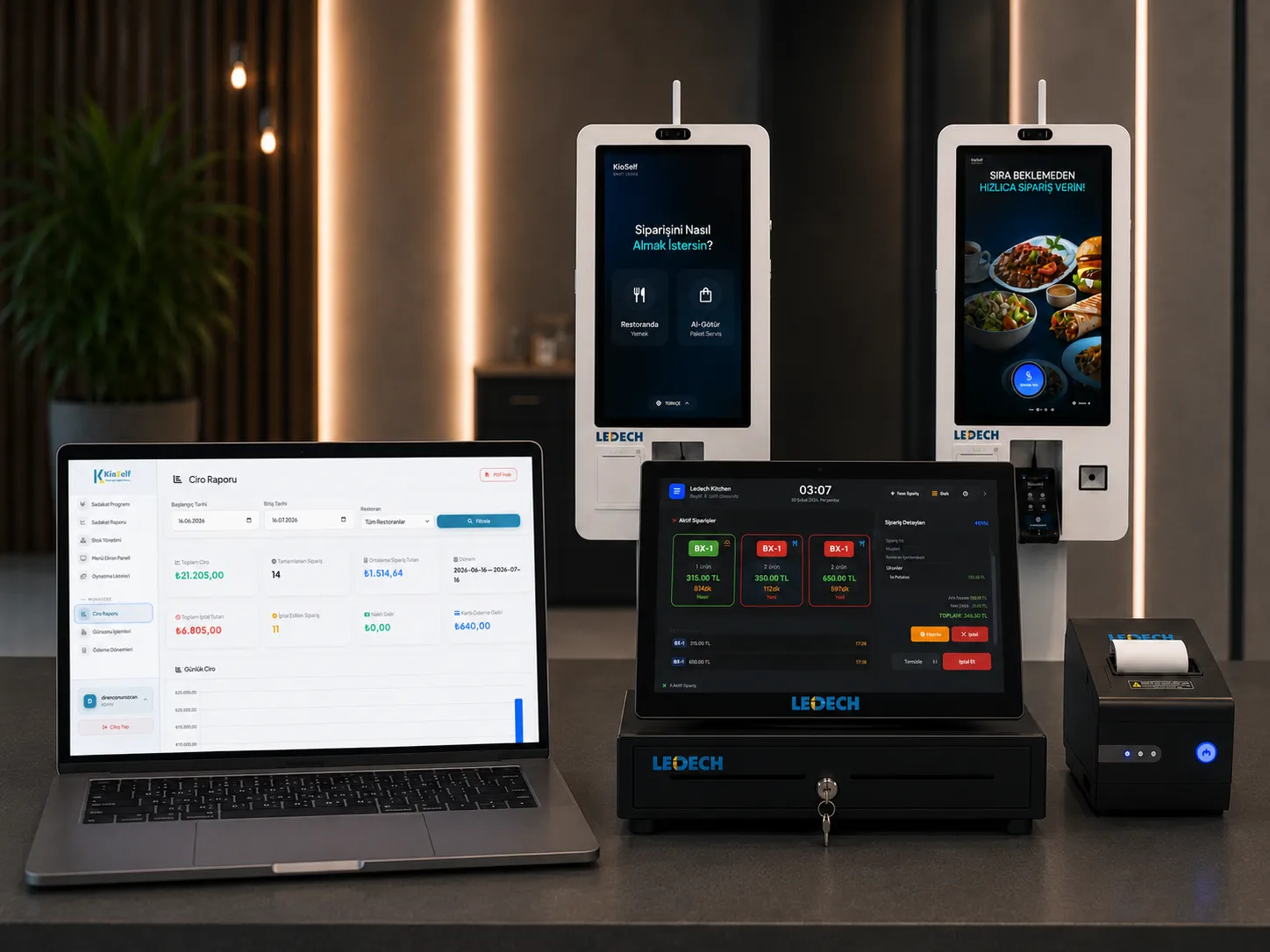
The success of kiosk software is measured on two metrics: how comfortably the customer completes the flow, and how much they add to the basket. The KioSelf interface is designed for both:
Visual Menu Experience
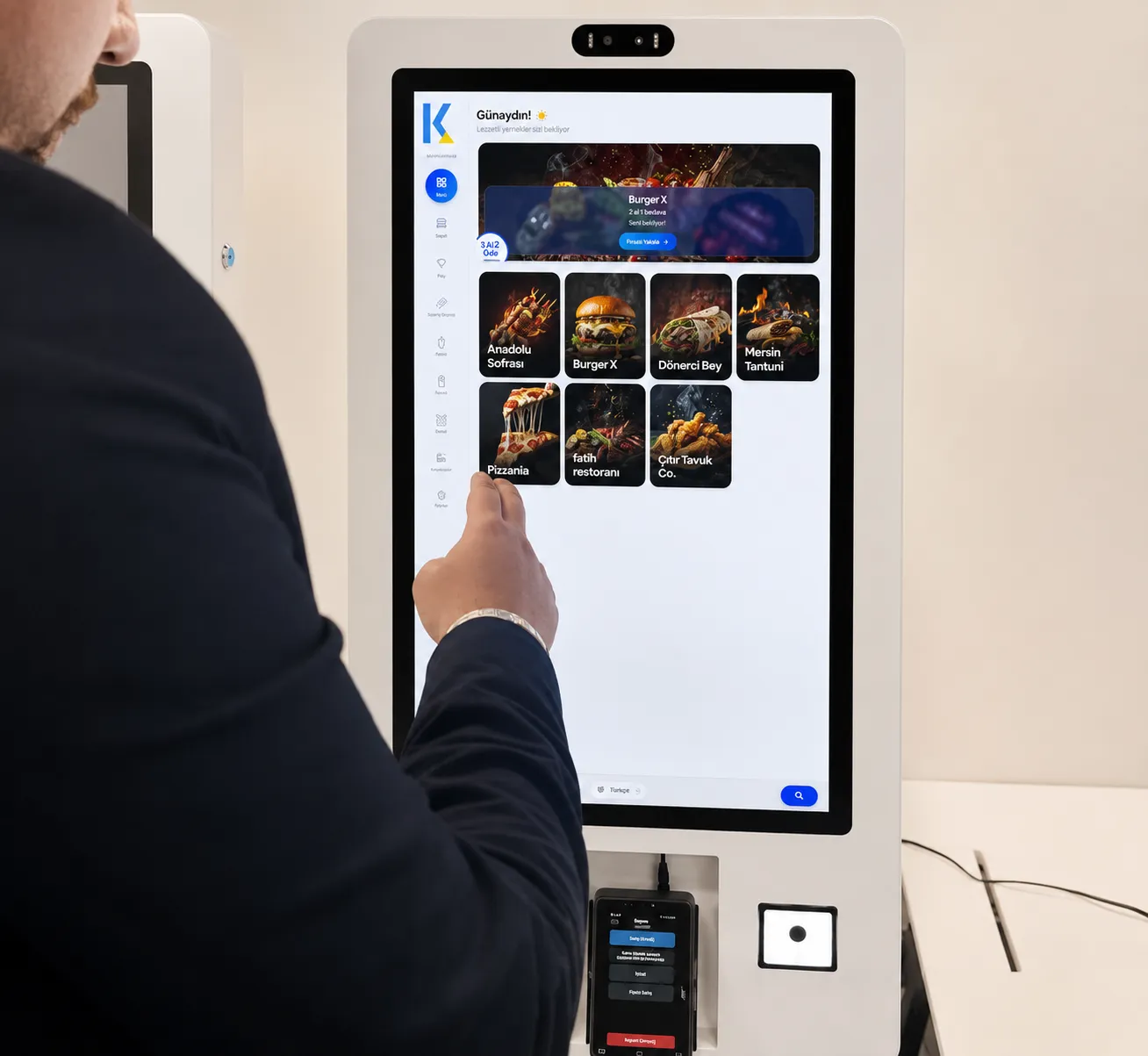
Products are presented with high-quality photos, descriptions, and optional content and allergen information. Customers can easily review products before ordering, choose confidently, and decide faster.
Fully Customizable Ordering
Adding or removing ingredients, choosing portion and size, and menu combinations can be customized to the customer's preference. Since the order is created directly by the customer, the chance of a wrong order is significantly reduced.
Smart Upsell Suggestions
Drinks, desserts, and complementary products are suggested visually at the right time during the order flow. This system, which works consistently on every order, helps increase the basket total and prevents missed upsell opportunities.
Dynamic Campaign Areas
Deals of the day, seasonal campaigns, and special discounts are highlighted at the exact moment the customer makes their purchase decision. Campaigns can be easily updated through the central management panel.
Loyalty Program Integration
Customers can view the points they've accumulated in the loyalty app on the kiosk screen and, if they wish, spend them during the same order. Earning and spending points both happen within a single user experience.
Multilingual Interface
Thanks to Turkish, English, and French language support, local and foreign customers can easily order in their own language. Offers an ideal experience for touristic areas and international businesses.
Intuitive User Experience
Thanks to large buttons, clear screens, and a guiding flow, even first-time customers can order without needing help. The user experience is designed to make the ordering process fast, easy, and error-free.
The Side Invisible to the Business: Operational Intelligence
Behind the screen, an intelligence works to protect your business.
Live Stock Integration
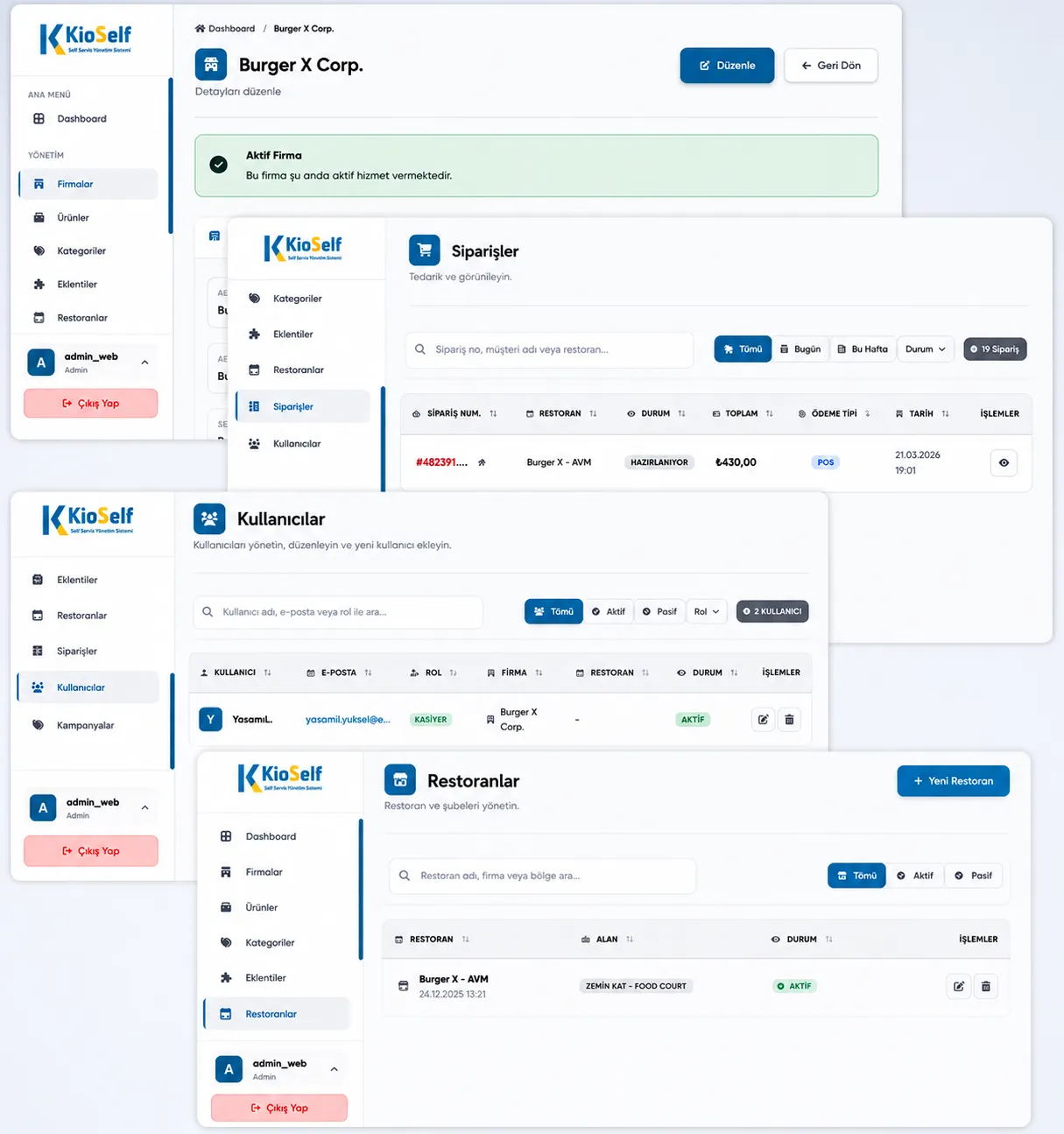
Out-of-stock products are automatically removed from the menu, preventing customers from ordering them. When a product is restocked, it automatically becomes active on the menu again. This significantly reduces cancellations and returns.
Multi-Brand and Multi-Business Management
A single kiosk can present the menus of multiple restaurants or brands. The customer selects the brand they want, and orders are automatically routed to the relevant restaurant. Provides a flexible, centralized management infrastructure especially for mall and food court projects.
Smart Kitchen Routing
Every product in an order is forwarded only to the relevant kitchen's screen according to predefined rules. In businesses with multiple kitchens, different stations, or different locations, the entire order flow is managed automatically and no order gets mixed up.
Real-Time Order Tracking
Customers can track their order's preparation process instantly. The preparing, prepared, and delivered stages are shown in real time, making the waiting process more transparent and reliable.
Offline Operation
When the internet connection drops, the system continues to take sales. All order and transaction data is automatically synced to the cloud system once the connection is restored.
Error-Free Order Transmission
The order created by the customer is sent directly to the register system and kitchen screens without any manual intervention. Human-caused order errors are minimized.
Advanced Analytics and Data Generation
Product views, order preferences, upsell conversions, and user behavior are continuously analyzed. With the data obtained, menu optimization, campaign planning, and sales strategies can be developed based on real data.
Your Brand on Screen: Full Customization
The kiosk is part of your venue; the software should look like your brand too. Colors, logos, visual language, and flow order are adapted to your business's identity. The key difference: since the software is developed by our own team, your customization requests happen without intermediaries, without waiting, on predictable timelines. You won't hear "let's ask the developer overseas" from us.
Below you can find answers to the most common questions about Restaurant Payment Kiosk Software.
Menus are entirely under your control. Through the web-based management panel, you can update products, prices, images, and campaigns at any time, and instantly reflect your changes to all kiosk devices.
Yes. You determine which drink, dessert, or side product is suggested alongside which product through the management panel. The software automatically presents your defined suggestions to the customer on every order flow.
No. Allergen and ingredient information can be shown optionally. The software supports detailed content and allergen information at the product level; using this feature is recommended for customer trust and transparency.
No. The software was developed together with industrial kiosk hardware and tested under intensive-use scenarios. It is optimized to run smoothly and stably during restaurants' busiest hours.
Yes. A shared menu can be applied to all branches, or different products, prices, and campaigns can be defined for each branch. All management is carried out through a single web panel.
Every product in an order is forwarded only to the relevant kitchen screen according to predefined rules. Each kitchen sees its own order list and manages its own preparation process. Even kitchens at different locations can be managed from a single center.
Once an order is created, the preparation process is shown to the customer in real time. The customer can instantly track whether their order is preparing, prepared, or delivered while they wait.