All-in-One Computer: A Complete System in a Single Body
Look behind a welcome desk: a register, a monitor, a tower computer, a tangle of cables, adapters, extension sockets... This should not be the reflection a modern business shows on its storefront. The first thing a customer sees is your brand's first sentence - and that sentence should say "order."
What Is an All-in-One Computer?
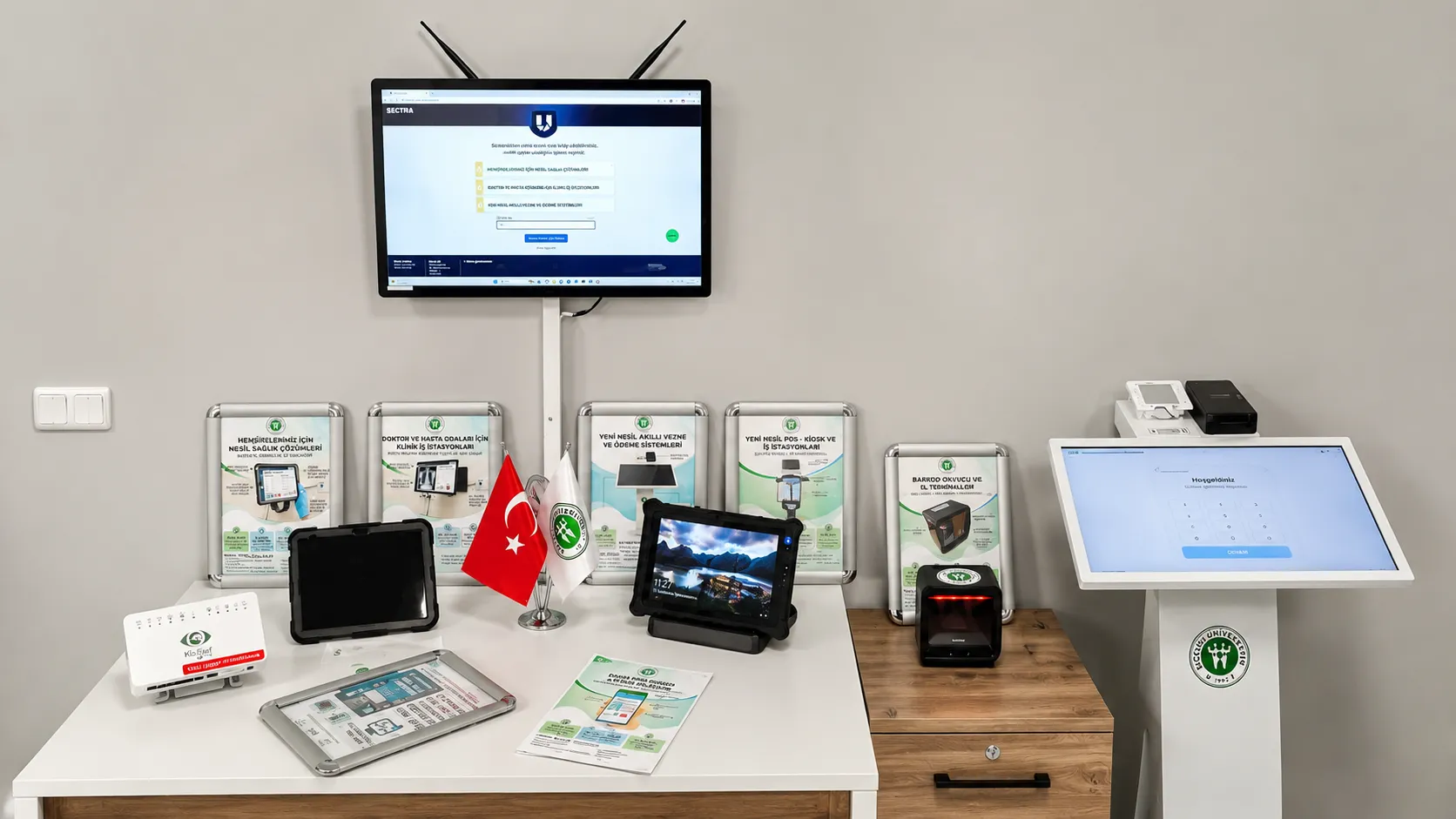
An All-in-One computer is a computer type where the processing unit is integrated into the display, requiring no external tower. Combined with touchscreen options, it works as both a classic computer and an interactive terminal. Space saving, easy setup, and a tidy appearance are its most notable advantages.
What Sets It Apart from a Tower or a Tablet?
Desktop-Level Performance
Delivers the high processing power of tower-based systems in a compact form. Provides strong, smooth performance for enterprise applications, sales software, video conferencing, and multitasking scenarios.
Elegant Single-Body Design
Thanks to the All-in-One design that merges the monitor and computer into a single body, no cable clutter forms on the desk. Offers a modern, professional look at welcome desks, reception areas, and customer-facing spaces.
More Than a Tablet
While keeping a tablet's clean look, it delivers far higher performance, more connectivity options, and long-lasting hardware suited to professional use. Runs reliably under heavy workloads.
A Tidy, Efficient Workspace
Eliminates the external tower, adapters, and unnecessary cables, creating a cleaner, more organized work environment. Strengthens the corporate image at reception desks, stores, banks, and healthcare institutions where first impressions matter.
KioSelf AIO: Durability With Kiosk DNA
Most AIOs on the market are designed for home-office use. KioSelf All-in-One computers, on the other hand, share the same hardware architecture as our self-service kiosks - built on a foundation designed for the toughest scenario. Heavy touch use, a screen on all day, uninterrupted duty - wherever consumer electronics struggle, the KioSelf AIO is in its natural habitat. Detailed technical specifications are available in the product datasheet on this page.
Full HD Capacitive Touchscreen
Thanks to 21.5" and 23.8" Full HD capacitive touchscreen options, it delivers high image quality, precise touch control, and a smooth user experience. Designed for intensive professional use.
High-Performance Processor Infrastructure
A powerful processor architecture provides uninterrupted, smooth performance in multiple applications, enterprise software, video conferencing, digital content, and high-resolution visuals.
Smart Temperature Control Technology
Thanks to smart temperature control technology running at both hardware and software level, systems that stay on for extended periods maintain optimal operating temperature. Delivers stable, reliable performance in 24/7 use scenarios.
Rich Connectivity Options
Thanks to Gigabit Ethernet, Wi-Fi, HDMI/VGA video outputs, and multiple USB connections, it easily integrates with printers, barcode scanners, second screens, and other peripherals.
Use Cases
Welcome and Information Desks
Carries out visitor registration, information, and routing tasks on a single device at reception and information points. Its elegant design creates a corporate, professional impression at the first point of contact.
In-Store Points of Sale
An ideal solution for product lookup, digital catalog viewing, stock checking, and fast sales transactions. Enhances the customer experience while speeding up the sales process.
Hotel, Clinic, and Office Entrances
Provides a modern, organized work environment for front-desk operations, visitor registration, information services, and access management. Its compact footprint adds an aesthetic touch to reception areas.
Meeting and Conference Rooms
Offers a high-performance solution for presentations, video conferencing, document sharing, and collaborative applications. Touchscreen support increases meeting efficiency.
Training and Presentation Spaces
Provides a powerful platform for interactive training content, presentations, and digital course materials. Its touchscreen makes training processes more interactive and efficient.
Manufacturer Assurance
KioSelf AIO computers are members of the kiosk hardware family manufactured at Ledech Group's facility in Ankara İvedik OIZ. Configuration, installation, and support are in the hands of the same engineering team that manufactures the device. Talk to us for the screen size and hardware configuration that suits your needs.
Below you can find answers to the most common questions about KioSelf All-in-One Computer solutions.
It is ideal for all professional use cases requiring both high performance and a tidy, elegant appearance - welcome desks, information points, in-store sales areas, office use, meeting rooms, presentation screens, and reception areas.
No. You can choose a touch or a standard screen depending on your use case. Touchscreens notably improve the user experience especially at information, reception, and sales points. The most suitable configuration is determined together during the free site survey.
Yes. Thanks to kiosk-class hardware architecture and smart temperature control technology, it is designed to run uninterrupted for extended periods. Safely used at receptions, stores, and corporate spaces that stay open all day.
21.5" and 23.8" Full HD capacitive touchscreen options are offered. The most suitable screen size for your use case and needs is determined together during the free site survey.
Yes. Thanks to Gigabit Ethernet, Wi-Fi, HDMI/VGA video outputs, and multiple USB connections, it easily integrates with printers, barcode scanners, second screens, keyboard, mouse, and other professional peripherals.